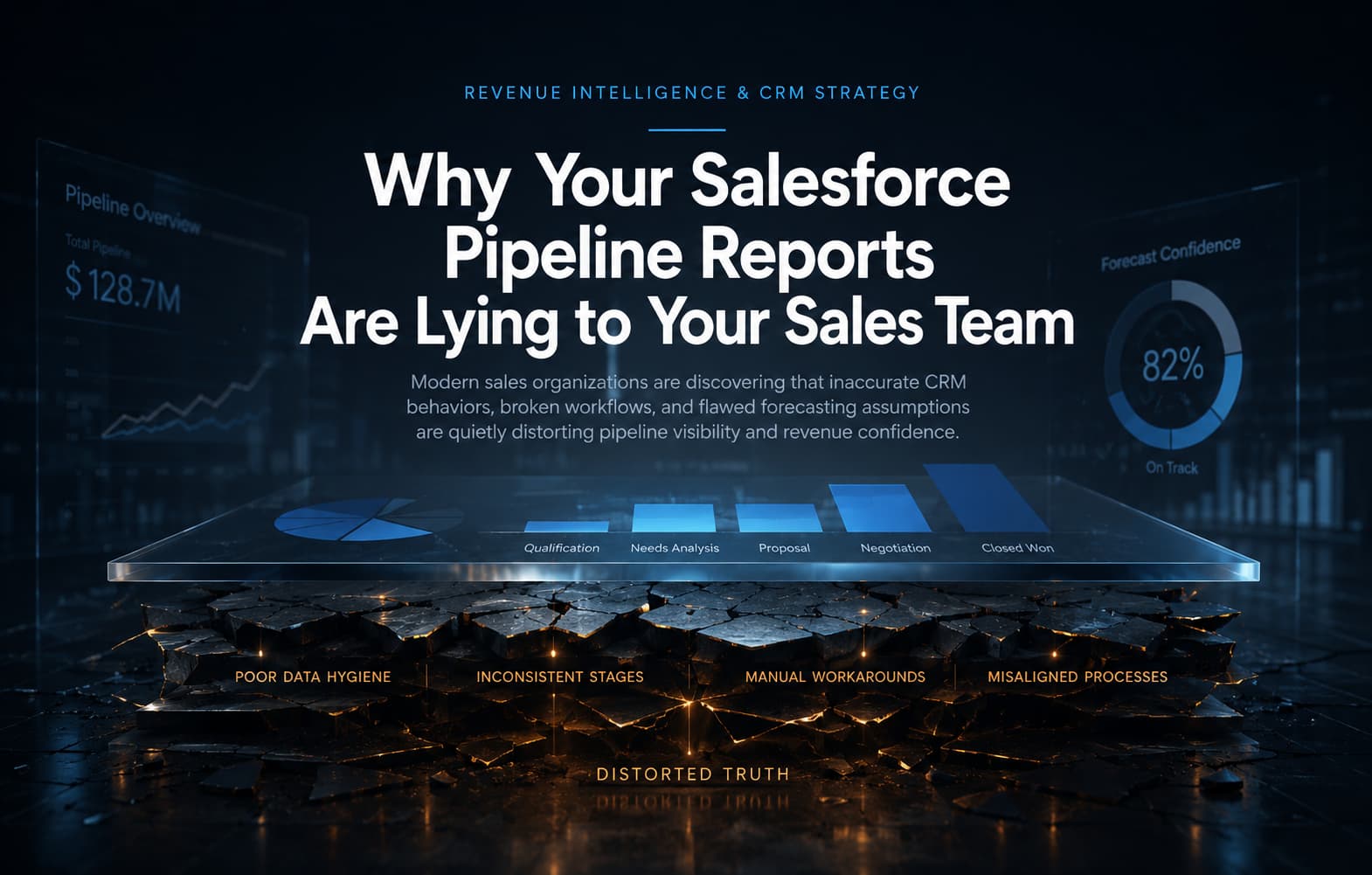
Why Your Salesforce Pipeline Reports Are Lying to Your Sales Team

Table of content
Every VP of Sales we talk to has a version of the same story. The pipeline report shows $2M in the forecast. The quarter closes at $800K. The gap does not feel like bad luck — it feels structural. Because it is.
Salesforce is only as accurate as what your team logs into it. And in most B2B SaaS companies between 50 and 300 people, the data going into Salesforce is systematically incomplete, inconsistently recorded, and perpetually three weeks out of date. The reports that come out look authoritative. They are not.
This is not a Salesforce problem. Salesforce is not broken. Your data model, your pipeline governance habits, and your activity capture setup are broken. All three are fixable — and fixing them is the difference between a forecast you can trust and one you are constantly adjusting with instinct.
This article explains the five most common ways Salesforce pipeline data lies to VP Sales and RevOps leaders at B2B SaaS companies — and what a properly governed Salesforce environment shows instead.
Five Reasons Your Salesforce Pipeline Data Is Wrong
1. Opportunity Stages Map to Seller Actions, Not Buyer Decisions
Most Salesforce orgs use the out-of-the-box opportunity stage picklist: Prospecting, Qualification, Needs Analysis, Value Proposition, Proposal/Price Quote, Negotiation/Review, Closed Won, Closed Lost. These stages were written by Salesforce in 1999. They describe what a sales rep does — not what a buyer has decided.
When your stages do not map to real buyer decisions, reps interpret them differently. One rep marks an opportunity 'Proposal/Price Quote' the moment a PDF is emailed. Another marks it only after a verbal commitment has been received. The pipeline looks identical. The risk is completely different.
Organizations that fix this redesign their opportunity stages around buyer-gate criteria: what the buyer has done, agreed to, or committed to at each stage — not what the rep has done. This single change reduces forecast variance by 30–40% in the first quarter after implementation.
2. Activity Logging Is Selective, Not Systematic
Einstein Copilot and Einstein Opportunity Scoring base their predictions on logged activities: emails sent, calls made, meetings held, notes added. If reps are not logging activities consistently — or are only logging the interactions they are proud of — Einstein's predictions are built on a biased and incomplete dataset.
In practice, most B2B SaaS sales teams log less than 40% of actual customer interactions. Demos happen in Zoom. Emails happen in Gmail. Follow-ups happen on LinkedIn. WhatsApp threads happen entirely outside the CRM. Salesforce sees a fragment of the story and generates predictions from that fragment.
The fix is not more manual logging — it is automated capture. Salesforce's Einstein Activity Capture, properly configured, syncs email and calendar data automatically. Pair that with a conversation intelligence tool and you can reach 80%+ activity visibility without changing a single rep behavior.
3. Close Dates Are Updated by Optimism, Not Buyer Reality
Pull your pipeline aging report right now. Count the opportunities with close dates that have been pushed three or more times. In most orgs we audit, that number is between 30% and 50% of the active pipeline.
Close dates get pushed because updating them is the path of least resistance. There is no consequence for pushing a close date by four weeks. There is discomfort in marking an opportunity Closed Lost. As a result, pipeline reports become historically accurate records of optimism — not commercially useful forecasting tools.
Weighted pipeline figures compound this problem. Probabilities assigned to each stage were set when the stage was created and have rarely been recalibrated against your actual historical close rates. You are applying generic percentages to your specific business — and calling the result a forecast.
4. No Accountability Mechanism at the Deal Level
In most Salesforce configurations, opportunity ownership is assigned to the closing rep. But in B2B SaaS, complex deals involve SDRs, AEs, SEs, and CSMs across the lifecycle. When an opportunity sits dormant for three weeks — no meetings, no emails logged, no next step set — there is often no automated alert.
The pipeline quietly bloats with opportunities no one is actively working. A 60-day-old deal sitting at 'Proposal' stage with no logged activity in 14 days is not a pipeline deal. It is a lost deal that has not been officially acknowledged.
5. Your Reports Show Revenue, Not Pipeline Health
The standard Salesforce pipeline report shows amount, stage, and close date. It does not show you: days since last activity, number of stakeholders engaged at the buying organization, whether a next step with a date exists, or how long the deal has been in its current stage.
A pipeline without health metrics is a list of hope. A pipeline with health metrics — engagement recency, multi-threading depth, days in stage, next step coverage — is an operational asset your leadership team can actually manage.
What a Trustworthy Salesforce Pipeline Looks Like
When a Salesforce environment is properly configured for pipeline accuracy, VP Sales and RevOps leaders see four things that are typically invisible today:
- Forecast categories that separate committed pipeline from best-case — giving finance a number they can model against rather than a number they must discount by instinct.
- A stale pipeline alert that automatically surfaces deals with no logged activity in a defined number of days — before those deals die quietly at the end of the quarter.
- Multi-thread visibility — how many contacts at each account have been engaged, not just whether a primary contact exists.
- Stage conversion rates by rep, by segment, and by quarter — so coaching conversations are grounded in data, not impression.
This level of pipeline intelligence does not require a new tool. It requires Salesforce to be configured correctly, with a data model and governance framework built around how your team actually sells.
The Most Common Root Cause: Configuration Was Never Built for the Business
In nearly every RevOps engagement we run, the pipeline data problems described above trace back to the same origin point: Salesforce was implemented for IT, not for sales. Stages were left at their defaults. Activity capture was never configured. No one owns pipeline governance.
Most VP Sales who inherited a Salesforce org did not build it. They received it, added users, launched reports, and made decisions based on what the system showed them — without knowing how many layers of structural problems sat underneath the numbers.
"The gap between what your Salesforce pipeline shows and what is commercially true is almost always diagnosable in under an hour by someone who knows what they're looking at."
The diagnostic covers six areas: stage alignment, activity capture completeness, close date aging patterns, next step coverage, forecast category accuracy, and data duplication. The output is a prioritized list of the five to seven changes that will have the most impact on forecast accuracy — ranked by effort and commercial impact, not technical complexity.
Working With Makedian
Makedian is a Salesforce Ridge Partner specializing in RevOps transformation for B2B SaaS companies at Series A through Series B. Our clients are VP Sales and RevOps leaders who are tired of managing their pipeline from a spreadsheet because they cannot trust the numbers in their CRM.
Our Salesforce RevOps Diagnostic identifies exactly where your pipeline data is breaking down and what it would take to fix it. The diagnostic takes 45 minutes of your time. The report you receive is a commercial document — prioritized by revenue impact, not technical severity.
Book your free RevOps Diagnostic
Frequently Asked Questions