HubSpot + Salesforce Sync: Running Marketing-Led and Sales-Led Teams on Two CRMs

Table of content
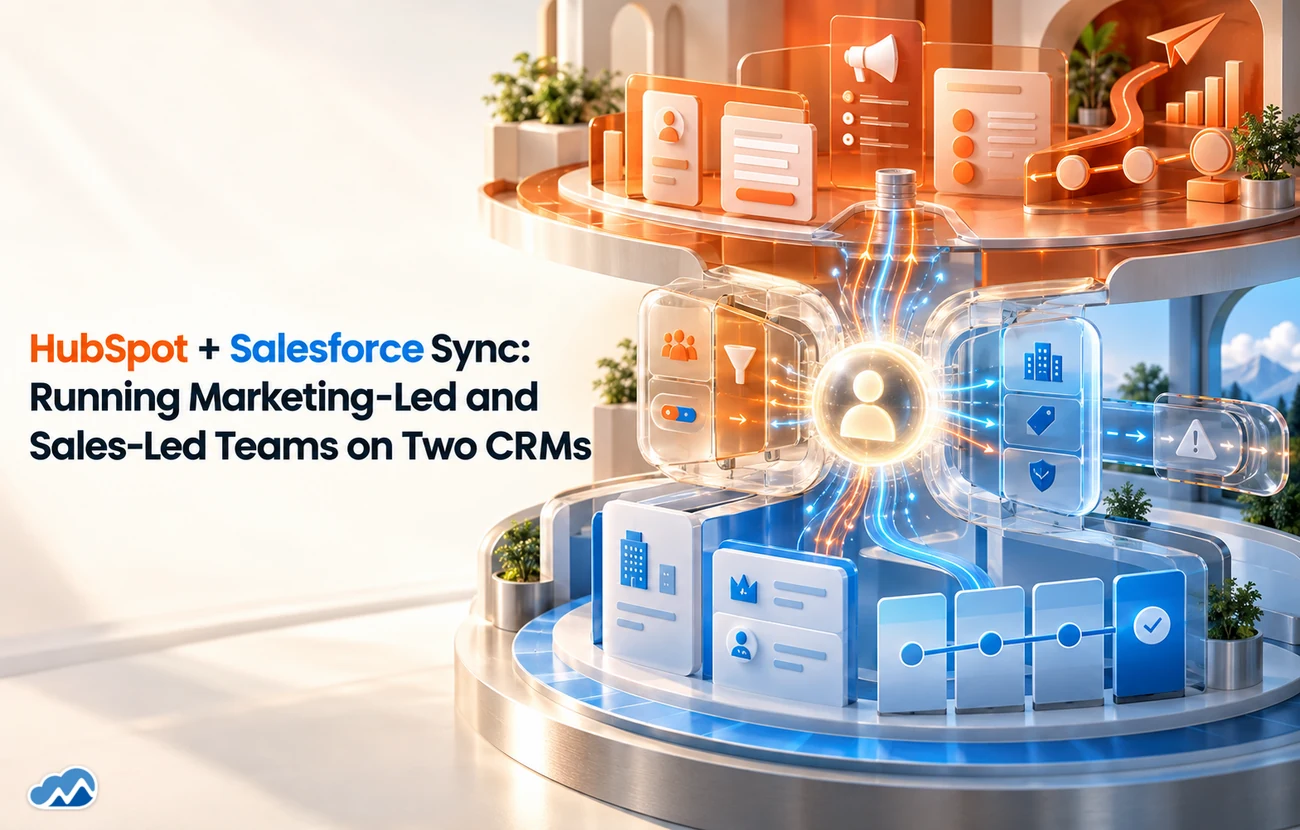
A lot of growing companies endup running two CRMs without ever deciding to. Marketing lives in HubSpotbecause that is where the campaigns and nurture are, and sales lives inSalesforce because that is the enterprise system of record. Each team loves itsown tool, and neither wants to give it up. The problem is the gap in themiddle, where leads, deals and data have to pass between them. A proper HubSpotSalesforce integration is what closes that gap, and this guide covers how tomake two CRMs work as one.
Here is how a HubSpot Salesforceintegration lets marketing-led and sales-led teams run on their own toolswithout the data falling apart in between.
Why Two CRMs Is a Real Setup, Not a Mistake
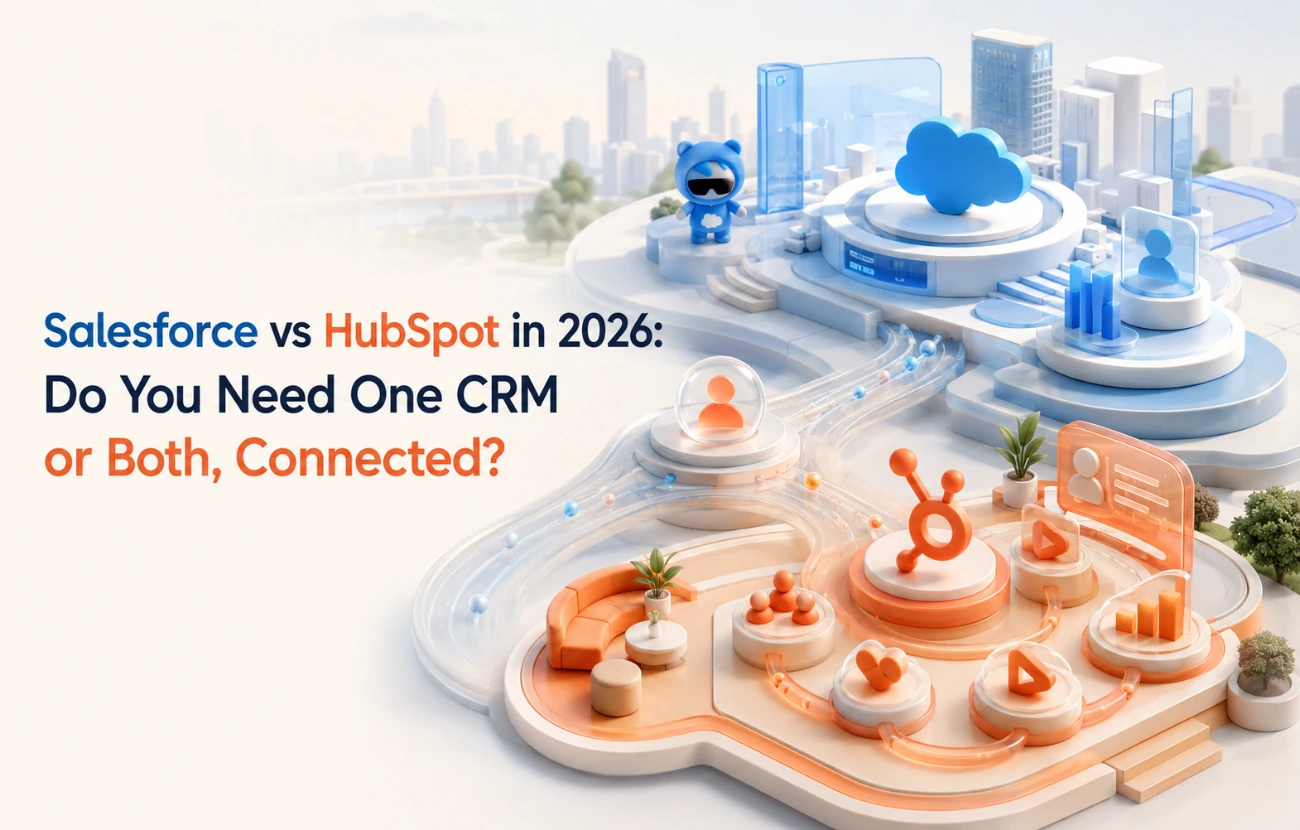
Running HubSpot and Salesforce side by side is more common than people admit, and it is often the right answer rather than a failure to standardise. Marketing teams get genuine value from HubSpot's campaign, nurture and automation tools, while sales and the wider business rely on Salesforce as the system of record. Forcing everyone onto one platform can mean one team loses the tool that actually works for them. A HubSpot Salesforce integration accepts that reality and makes it work, letting each team keep its strengths while the data stays joined up.
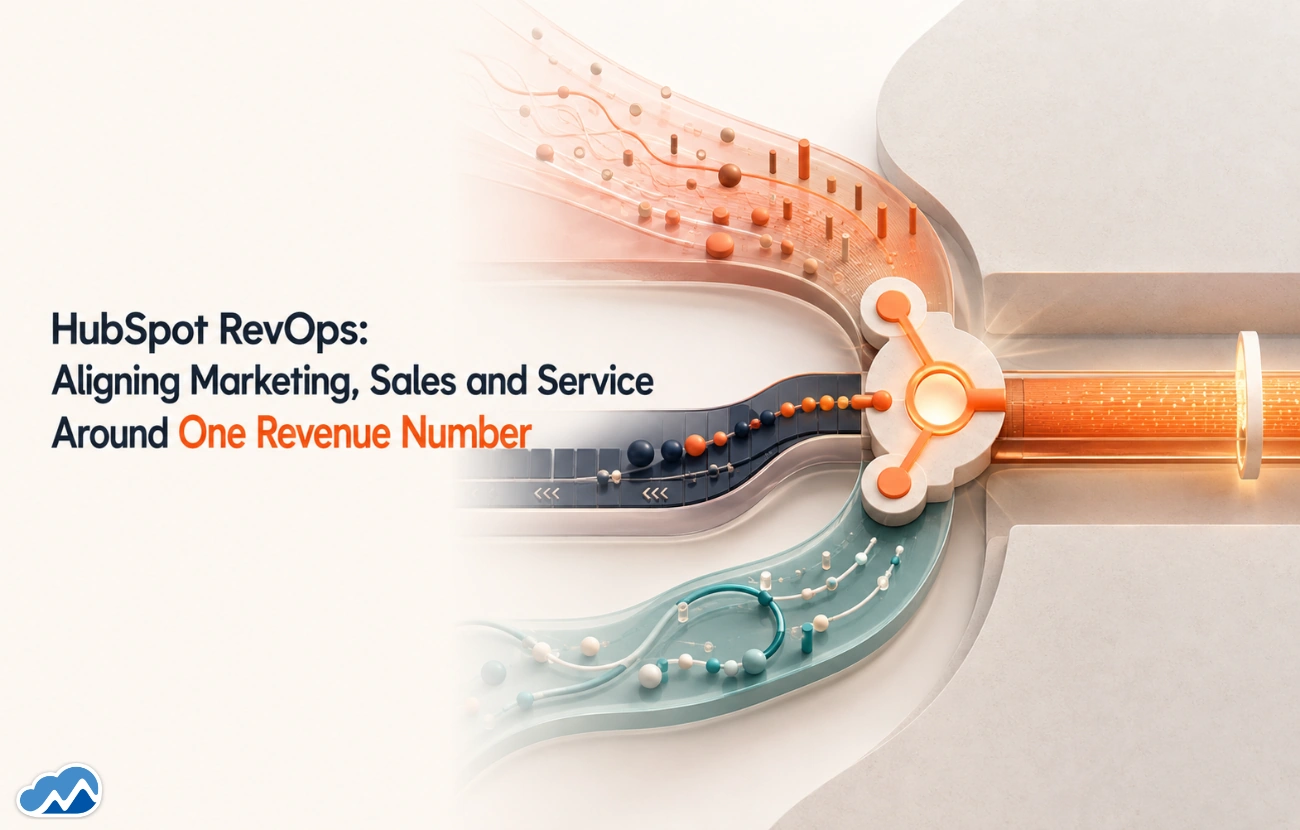
This is really a RevOpschallenge, aligning teams and data around one revenue process, which our guideon HubSpot RevOps covers. A HubSpot Salesforce integration is one of the most commonways that alignment gets built in practice.
What the Integration Actually Does
A HubSpot Salesforce integration keeps the two systems in sync so the same customer looks the same in both.Leads marketing nurtures in HubSpot flow into Salesforce for sales to work, and activity and outcomes flow back, so marketing can see what happened to the leads it generated. Done well, it means one shared truth across both platforms rather than two diverging versions of the customer, and no more manual exports to keep them aligned.
The Decisions That Make or Break It
The technical sync is rarely the hard part of a HubSpot Salesforce integration. The hard part is the decisions. Which system owns which data? What happens when a record is edited in both? Which direction does each field sync, and how often? What exactly defines a qualified lead, and when does it hand from marketing in HubSpot to sales in Salesforce? Those are business questions, and getting them agreed before the sync is built is what separates a clean integration from a messy one that creates duplicates and arguments.
The classic failure is leavinglead ownership and field mapping undecided and letting the sync sort it out. Itwill not. Agree the rules first, then build to them.
Keeping the Two Teams Aligned
A HubSpot Salesforce integration is as much about people as plumbing. The point is to let marketing and sales each work in the tool they prefer while sharing one view of the customer and one definition of a good lead. When the integration is paired with aligned processes, agreed stages, shared definitions, a clean handoff, the two CRMs genuinely feel like one system. When it is bolted on without that alignment ,you get two tools that technically sync but two teams that still disagree.
If you are still weighing whether running both is right for you, or whether to consolidate, our guide on Salesforce vs HubSpot is worth reading. The best time to settle that question is before you build the HubSpot Salesforce integration, not after.
If you want HubSpot and Salesforce working as one, our HubSpot Services team can build the integration, with the wider picture in our HubSpot Services guide. That conversation is usually shorter than people expect.
Book a call to connect HubSpot and Salesforce
Frequently Asked Questions



















Agentforce for Financial Services: AI-Driven Banking & Insurance Solutions




























n8n Workflow Automation: From Lead Capture to CRM in Minutes, Not Hours