
HubSpot Services in 2026: The Complete Guide to CRM, Marketing & RevOps

Table of content

Most companies don’t buy HubSpot because they’re short on tools. They buy it because the tools they already have have stopped talking to each other. Marketing runs its campaigns in one system, sales works the pipeline in another and by month-end the numbers never quite line up. HubSpot’s pitch is a simple one: put marketing, sales, service and operations on a single customer record instead of four that keep drifting apart. The services side of HubSpot exists to make that promise actually stick. This guide walks through what those services do, how HubSpot stacks up against the alternatives and what to check before you commit to anything.
What HubSpot Is (and Why It's Different)
HubSpot is a customer platform built on a free CRM, with paid “Hubs” added on top: Marketing, Sales, Service, Content, Operations and Commerce. It all runs on one database, so a contact’s marketing history, sales conversations and support tickets sit on the same record. That sounds like any other CRM until you actually use it. Two things set it apart. First, non-technical teams can pick it up without a manual. Second, marketing and sales work off the same source of truth instead of syncing two systems that slowly fall out of step. For mid-market teams that want real capability without hiring a full-time admin, that’s the whole draw.
Why Businesses Are Choosing HubSpot in 2026
Adoption keeps climbing, and the reasons are fairly practical. The free CRM makes it easy to start, so teams can begin small and add Hubs as they grow rather than paying for everything up front. HubSpot is opinionated and quick to set up, which suits companies that want to go live in weeks, not quarters. And in 2026 the AI story has become a genuine reason to choose it. Breeze, HubSpot’s AI layer, now runs through every Hub, from drafting content to researching leads to handling support. There’s a catch, though. HubSpot rewards a tidy setup, and the same ease that gets you going also lets teams pile up messy data and half-built workflows. That’s exactly where a properly scoped implementation earns its money.
What HubSpot Services Cover
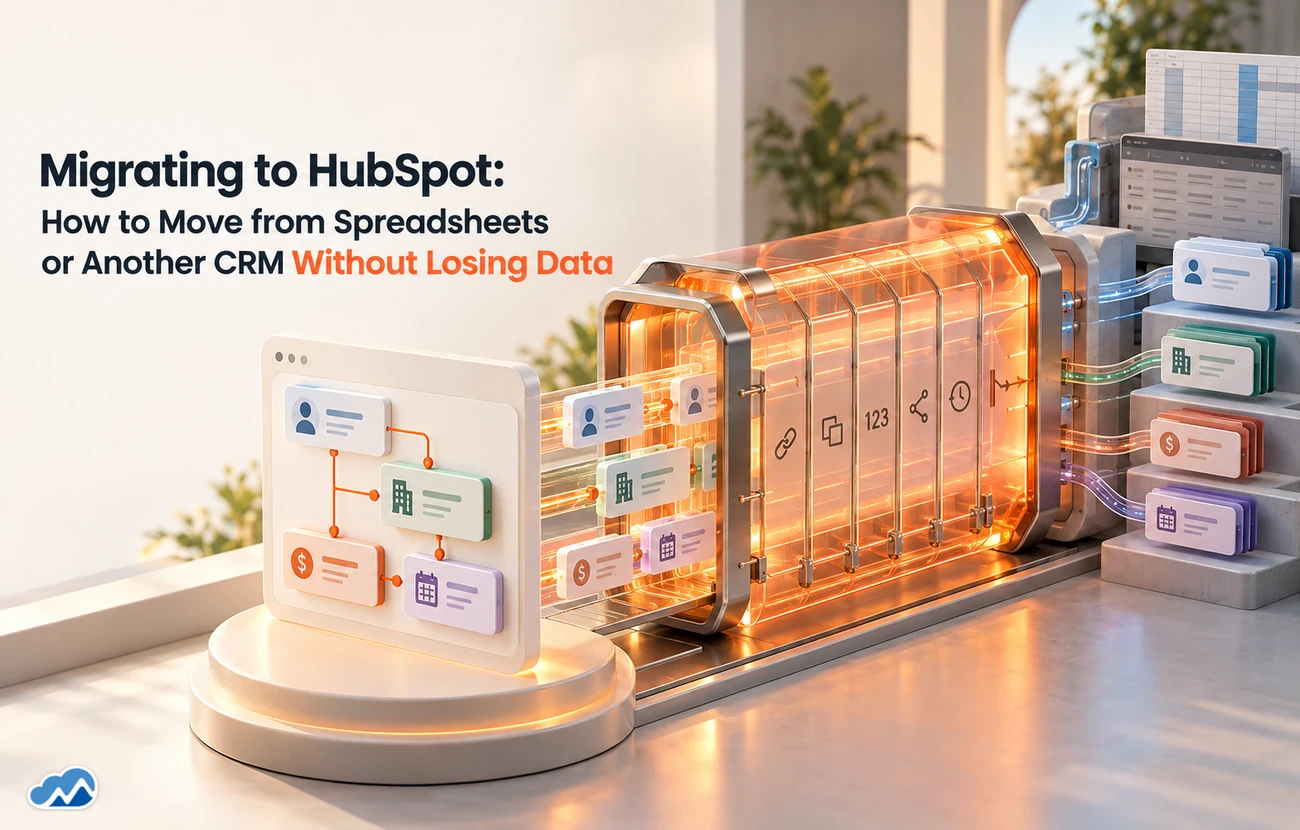
A good HubSpot engagement is a lot more than switching the platform on. It usually starts with CRM setup and data-model design: pipelines, deal stages, custom objects and properties mapped to how your business actually sells. From there it covers marketing automation and lead nurture, lifecycle-stage logic, reporting and dashboards, plus a clean migration from your spreadsheets or old CRM with de-duplication so you don’t drag in years of mess. The better solution providers handle the integrations too, whether that’s HubSpot to Salesforce or HubSpot to your billing and support tools, and they document what they build so your team can run it afterwards instead of calling them for every small change.
HubSpot vs. Salesforce (and the Point Tools)
The honest version isn’t complicated. HubSpot is the quickest to get running and the easiest for a marketing-led team to manage without a dedicated admin. Salesforce goes deeper on customisation and handles the most complex enterprise processes. Stitching together separate point tools, a standalone email platform, a separate CRM, a separate helpdesk, gets you best-in-class features but you pay for it in integration headaches. If you’re a growing company that wants marketing and sales on one platform fast, HubSpot usually wins. If your sales process is highly bespoke or you carry heavy enterprise requirements, Salesforce often fits better. Plenty of organisations run both, marketing in HubSpot and sales in Salesforce, with a sync in between. There’s no universally right answer, just the one that matches how your team works.
Which Hubs Do You Actually Need?
HubSpot’s modular pricing is both a strength and a trap. You don’t have to buy everything, and you shouldn’t. Most teams start with one or two Hubs and add more once the need is real, which is the disciplined way to do it. Marketing Hub and Sales Hub are the usual starting pair. Service Hub tends to follow once support volume justifies it, and Content, Operations and Commerce Hub come in when your website, data syncing or billing turns into the bottleneck. Each Hub also has Starter, Professional and Enterprise tiers, and the jump between tiers is where a surprising amount of budget quietly goes. A good solution provider steers you to the smallest setup that solves the problem rather than selling you Enterprise everything on day one.
Where AI Fits In
HubSpot has gone all in on AI with Breeze, and by 2026 it’s a lot more than a writing assistant. Breeze Assistant is free on every plan, even the free CRM, so anyone can draft emails, summarise records and ask questions of their data in plain English. Sitting above that are the Breeze Agents: a Customer Agent that closes out support tickets, a Prospecting Agent that researches and suggests leads, a Content Agent and a handful of others. HubSpot now charges for these on outcomes rather than seats, roughly $0.50 per resolved support conversation and $1.00 per recommended lead, and only when the agent actually delivers. That shift matters, because it ties spend to results. It also means you have to govern usage, or the agents will happily run up a bill on low-value work. And where HubSpot’s own AI hits a reasoning or cost ceiling, you can extend it with a Claude-powered layer, so you’re not locked to one AI vendor. The real value, as ever, sits in careful, governed deployment, not a flashy demo.
What to Look for in a HubSpot Solution Provider
A few things separate a capable HubSpot solution provider from a generalist agency:
Real CRM and data depth, not just marketing campaigns. Designing custom objects, clean data models and reporting that leadership actually trusts is a different skill from sending good-looking emails.
A clear view on which Hubs and tiers you actually need, and the honesty to talk you out of the ones you don’t. A solution provider who only makes money selling you licences isn’t really on your side.
Real migration and de-duplication experience. Moving off spreadsheets or another CRM without dragging in years of duplicates and broken associations is where most rollouts fall apart.
RevOps thinking. The payoff is marketing, sales and service working off one revenue process, not three teams each polishing their own Hub in a corner.
A real point of view on AI. Not just whether they can switch Breeze agents on, but how to run them and custom AI reliably and without wasting money.
The Problems We Usually Get Called In For
Most teams who come to Makedian have already bought HubSpot and run into a wall. The licence goes out every month, but the platform isn’t giving much back. These are the situations we’re called in to fix most often, and how we sort them out.
“We’re paying for HubSpot but barely using it.” A platform bought in a hurry and never set up properly just becomes shelfware. We audit what you’ve got, fix the data model and build the workflows that make the licence earn its keep.
“Marketing and sales can’t agree on the numbers.” When the two teams run off different definitions and disconnected reports, nobody trusts the dashboard. We line up lifecycle stages, lead scoring and reporting so everyone is looking at one version of the truth.
“Our data is a mess.” Duplicates, empty fields and broken associations quietly poison every report and workflow you build. We clean and de-duplicate the database, then put automation in place to keep it that way.
“We’ve outgrown the basics but can’t build the advanced stuff.” Custom objects, programmable automation and integrations sit just past what an in-house marketer can wire together. We build the code-level pieces, the Operations Hub actions, private apps and webhooks, that HubSpot can do but your team can’t reach.
“The AI features feel like guesswork.” Turning Breeze agents on is easy. Making them reliable and keeping the cost under control is the hard part. We set them up with sensible guardrails, human checkpoints and a clear picture of what each one costs per outcome.
Working With a HubSpot Solution Provider
If you’re rolling out HubSpot for the first time, moving over from another CRM or sitting on a portal that’s grown messy and under-used, working with a specialist is usually faster and safer than learning the platform’s quirks on live data. That’s the gap Makedian was built to close. Our HubSpot Services team covers CRM setup, marketing automation, RevOps alignment, migrations and the code-level work most agencies can’t touch, plus AI, from tuning Breeze to extending it with Claude when you need deeper reasoning. If any of the problems above sound like your portal, get in touch and we’ll walk you through what it takes to fix it.
The Bottom Line
HubSpot’s appeal comes down to one platform instead of four: marketing, sales, service and operations on a single customer record, with AI now running through all of it. What separates a solid setup from a shaky one is nearly always the same handful of things. A clean data model. The right Hubs rather than every Hub. Workflows that pull teams together instead of walling them off. And AI deployed with guardrails rather than crossed fingers. This is a hub guide, and we’ll be publishing deep dives on HubSpot CRM setup, marketing automation, RevOps and Breeze AI over the coming weeks, linked from here as they go live. And if you’d rather not wait, and your HubSpot portal is already costing more than it returns, that’s exactly the gap Makedian closes. Get in touch and we’ll show you what a clean, well-run setup actually looks like.
Frequently Asked Questions


.webp)
.webp)
.webp)






















Agentforce for Financial Services: AI-Driven Banking & Insurance Solutions














.webp)






















n8n Workflow Automation: From Lead Capture to CRM in Minutes, Not Hours






%20(1).webp)





























