
Migrating to HubSpot: How to Move from Spreadsheets or Another CRM Without Losing Data

Table of content
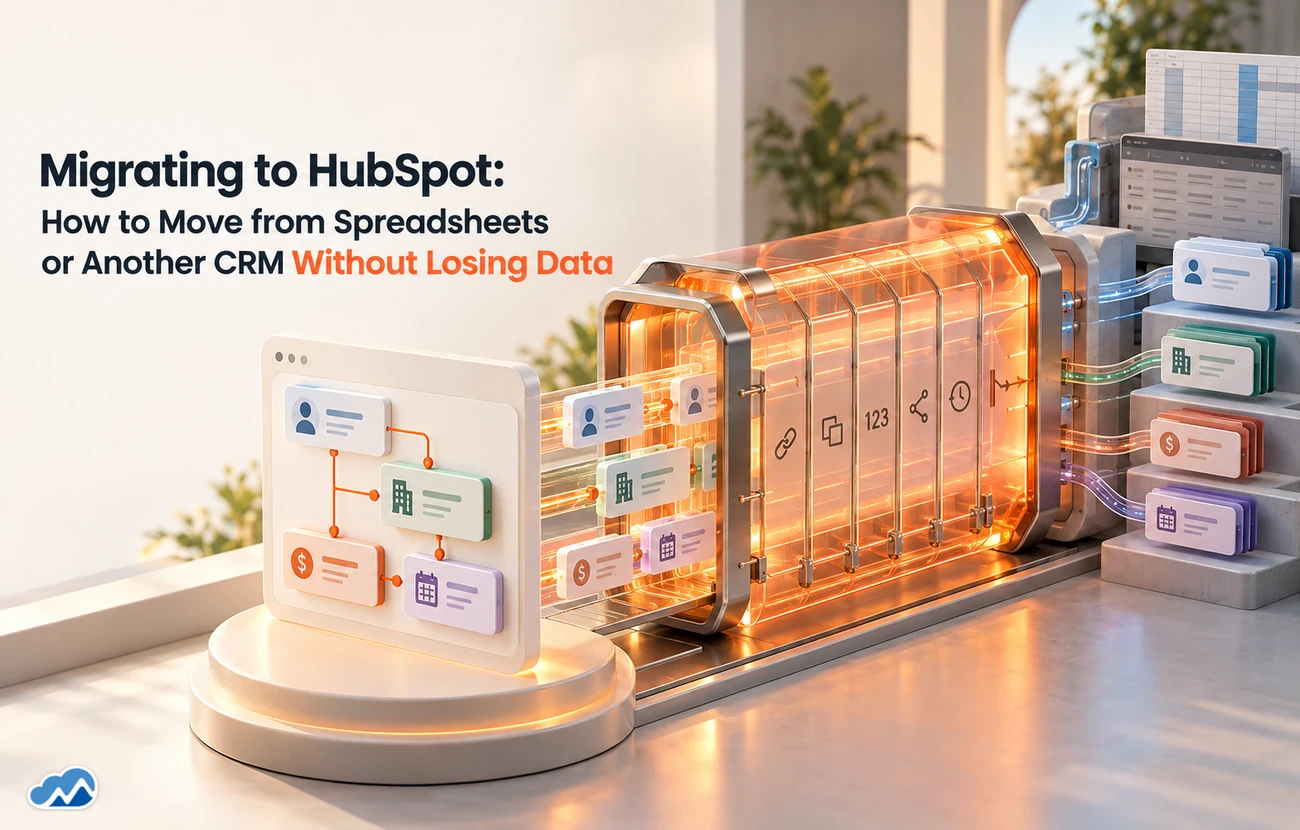
Moving to HubSpot from aspreadsheet or another CRM is exciting right up until you think about the data.Years of contacts, deals and history have to come across, and if that goeswrong you start your shiny new CRM with duplicates, gaps and records nobodytrusts. That is why HubSpot migration services exist, and why the migrationdeserves as much care as the setup. This guide covers how to move to HubSpotwithout losing data, and what a clean migration actually involves.
Here is how to approach HubSpotmigration services so you move to HubSpot with your data intact andtrustworthy.
Why Migration Is the Risky Part
Setting up HubSpot is thevisible work; migrating the data is the part that quietly decides whether thenew CRM succeeds. Bring across duplicates, stale records and brokenrelationships and you have simply moved your mess into a nicer interface, thenbuilt reports and workflows on top of it. Good HubSpot migration services treatthe move as a chance to clean house, not just a lift-and-shift, because thequality of what you migrate determines the quality of everything that follows.
Migration and setup go hand inhand, which is why our guide on HubSpot CRM setup done right is a natural companion. A clean migration into awell-designed HubSpot is what gives you a fresh start rather than a tidierversion of the old problem.
What a Clean Migration Involves
A sound migration, whether runin-house or through HubSpot migration services, follows a clear shape. Itstarts by deciding what actually needs to move, rather than dragging everythingacross. Then it maps the data in detail, which field goes where in HubSpot, sonothing lands in the wrong place. It cleans and de-duplicates along the way, soyou import quality rather than clutter. It tests the migration before runningit for real. And it validates the result afterwards, checking counts, keyfields and relationships so you can trust what came across.
None of those steps isglamorous, and skipping any of them is where migrations go wrong. Thediscipline is the same regardless of platform, which is exactly why the lessonstransfer.
Those lessons are laid out inour guide on Salesforce CRM data migration pitfalls, and they apply directly to HubSpot migrationservices. Migrations fail for the same predictable reasons whatever CRM you aremoving to.
Moving From a Spreadsheet
If you are coming fromspreadsheets, the migration is often as much about structure as data.Spreadsheets are flexible and messy, so the work is turning loose columns intoHubSpot's proper objects, contacts, companies and deals, with cleanrelationships between them. HubSpot migration services from a spreadsheet arereally about imposing a sensible structure while bringing the data across, soyou end up with a real CRM rather than a spreadsheet in disguise.
Moving From Another CRM
Migrating from another CRMbrings its own challenge: the two systems model data differently, so a straightcopy rarely fits. The mapping matters even more here, and so does deciding howmuch history to bring. This is also a natural moment to ask a bigger question,whether HubSpot alone is right, or whether you should run it alongside anothersystem.
Our guide on Salesforcevs HubSpot is worth reading if that question is live for you, because thebest time to settle it is before you migrate, not after. Good HubSpot migrationservices start by confirming HubSpot is the right destination in the firstplace.
If you want to move to HubSpot cleanly, our HubSpot Services and data migration teams can handle it. That conversation is usually shorter than people expect.
Get a free data audit before you move to HubSpot.
Frequently Asked Questions
.webp)
.webp)






















Agentforce for Financial Services: AI-Driven Banking & Insurance Solutions














.webp)






















n8n Workflow Automation: From Lead Capture to CRM in Minutes, Not Hours






%20(1).webp)

































